GET MEASURED
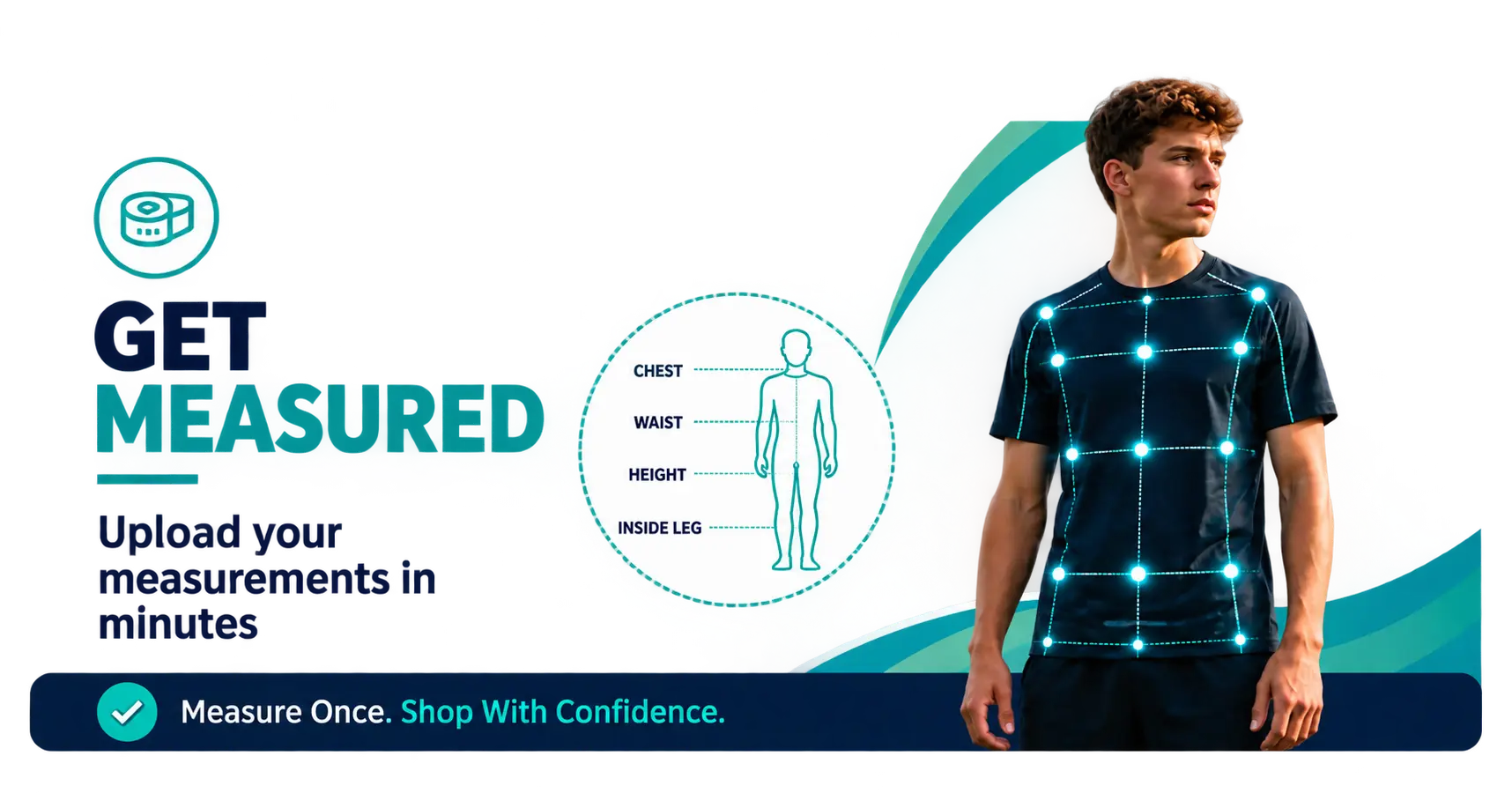
Option 1: Upload Your Own Measurements
The quickest way to get started is to create an account and upload your measurements yourself.
1. Register for an Account
Create your E-Quipped Sports account so we can securely store your measurements and help you find equipment that fits perfectly.
2. Go to "My Family"
Once your account has been created, log in and navigate to the My Family section within My Account.
3. Add Your Measurements
If you are uploading measurements for yourself, click on your name and select Edit. Complete all measurement information and click Save.
If you would like to add measurements for a child, partner or another family member, click Add New Customer, enter all required information and click Save.
You can add multiple family members to your account and manage all measurements in one place.
4. Start Shopping
Once your measurements have been saved, head to the shop pages and select who you are shopping for from the drop-down menu.
We'll then help you find sports equipment and footwear that fits correctly, giving you the confidence to shop knowing you're buying perfectly fitted kit.
Option 2: Attend a School or Club Fitting Session
Many schools and clubs choose to partner with E-Quipped Sports to offer dedicated fitting sessions for their players, pupils and families.
During these sessions, our team will take measurements on your behalf and upload them directly to your account, making it even easier to shop for correctly fitted sports equipment and footwear.
To see upcoming fitting sessions and events, visit our Events page.